How Cloud Storage Works: Simple Explanation with Examples
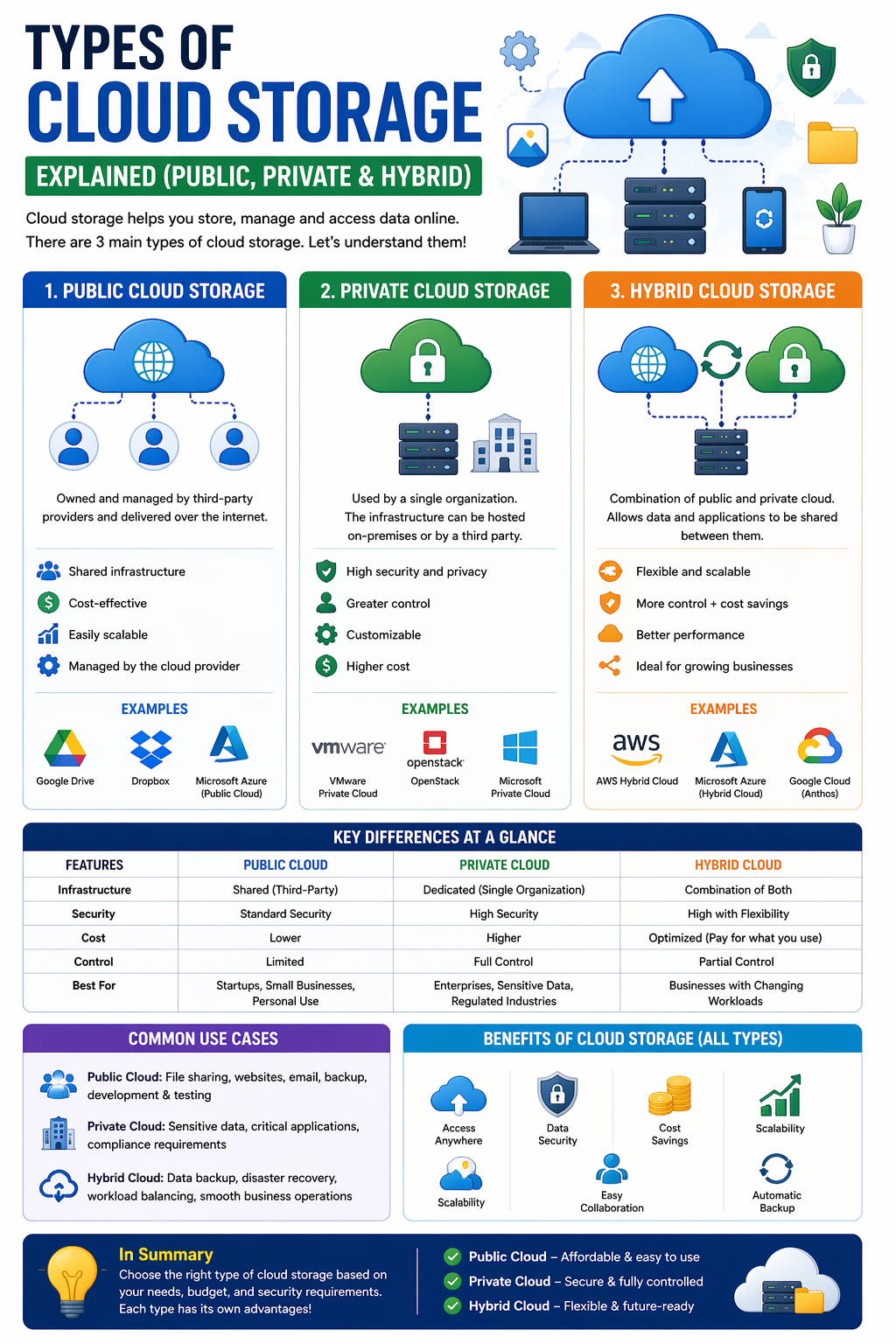
Cloud storage is something many of us use every day—often without even realizing it. Whether you’re saving photos, uploading files, or sharing documents, cloud storage makes it all possible.
But how does cloud storage actually work behind the scenes? In this simple guide, we’ll break it down step by step with easy examples.
What is Cloud Storage (Quick Recap)
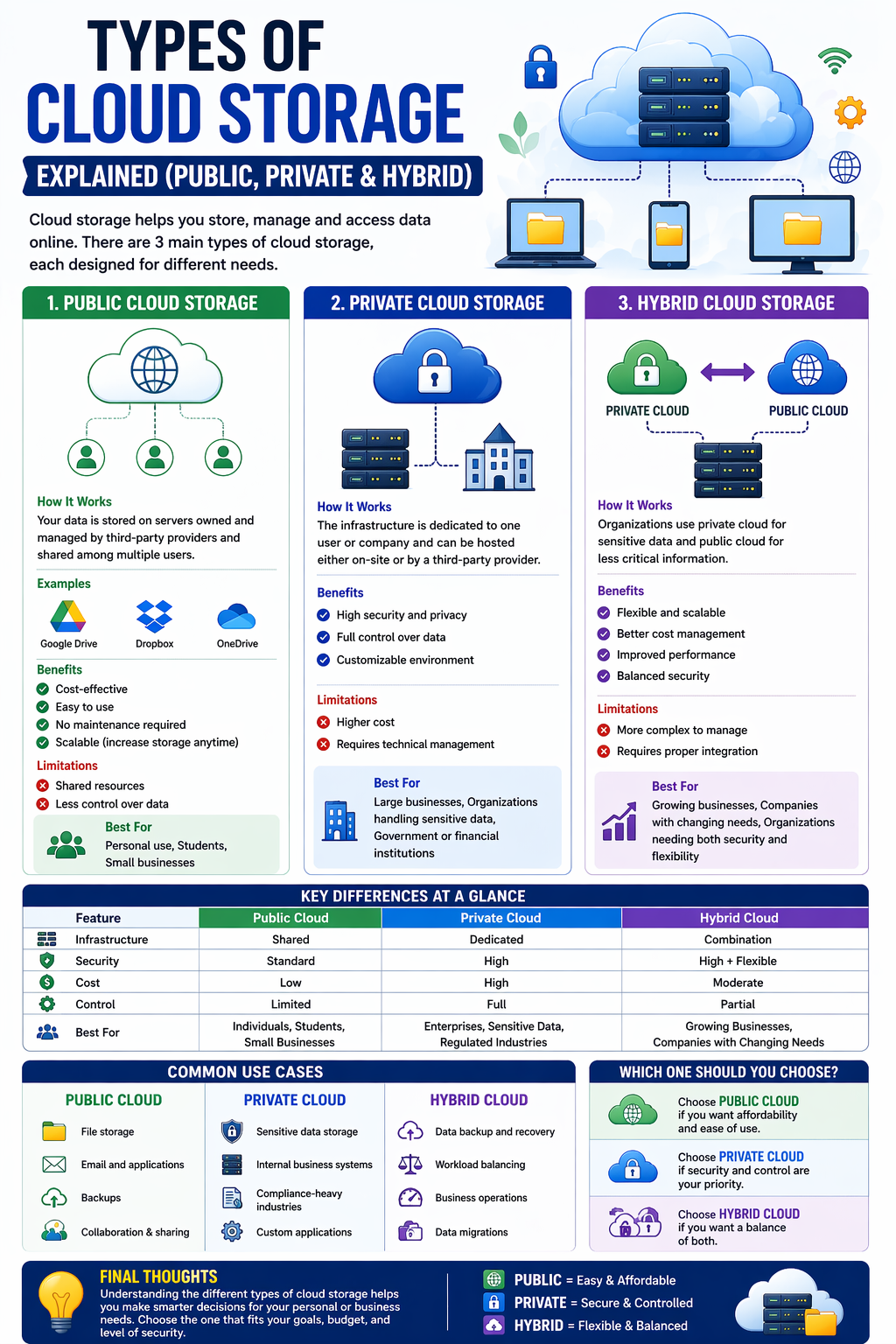
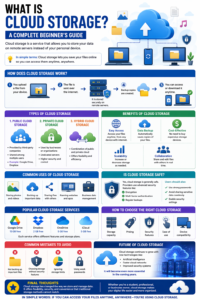
Cloud storage allows you to store your data on remote servers instead of your personal device. These servers are managed by cloud providers and can be accessed through the internet.
How Cloud Storage Works (Step-by-Step)
Let’s understand the process in a simple way:
1. Uploading Your File
When you upload a file (like a photo or document), your device sends that data over the internet.
Example:
You upload a photo from your phone to Google Drive.
2. Data Travels Through the Internet
The file is broken into small pieces and securely transferred to the cloud server.
This ensures faster and safer data transmission.
3. Storage on Remote Servers
The data is stored in large data centers that contain thousands of servers.
These servers are:
- Highly secure
- Always online
- Managed by cloud providers
4. Backup & Duplication
Your data is not stored in just one place. Cloud providers create multiple copies of your file.
Why?
To prevent data loss if one server fails.
5. Access Anytime, Anywhere
When you want to open your file:
- You log into your account
- The system retrieves your data
- It sends it back to your device
All of this happens within seconds.
Simple Real-Life Example
Imagine cloud storage like a bank locker:
- You store your valuables (files) in the bank (cloud server)
- The bank keeps them safe and secure
- You can access them anytime with your key (login)
Common Examples of Cloud Storage
You might already be using cloud storage through:
- Saving photos on Google Photos
- Uploading files to Dropbox
- Backing up data on iCloud
- Sharing documents via OneDrive
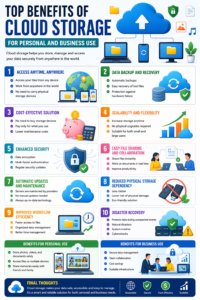
Key Features of Cloud Storage
1. Accessibility
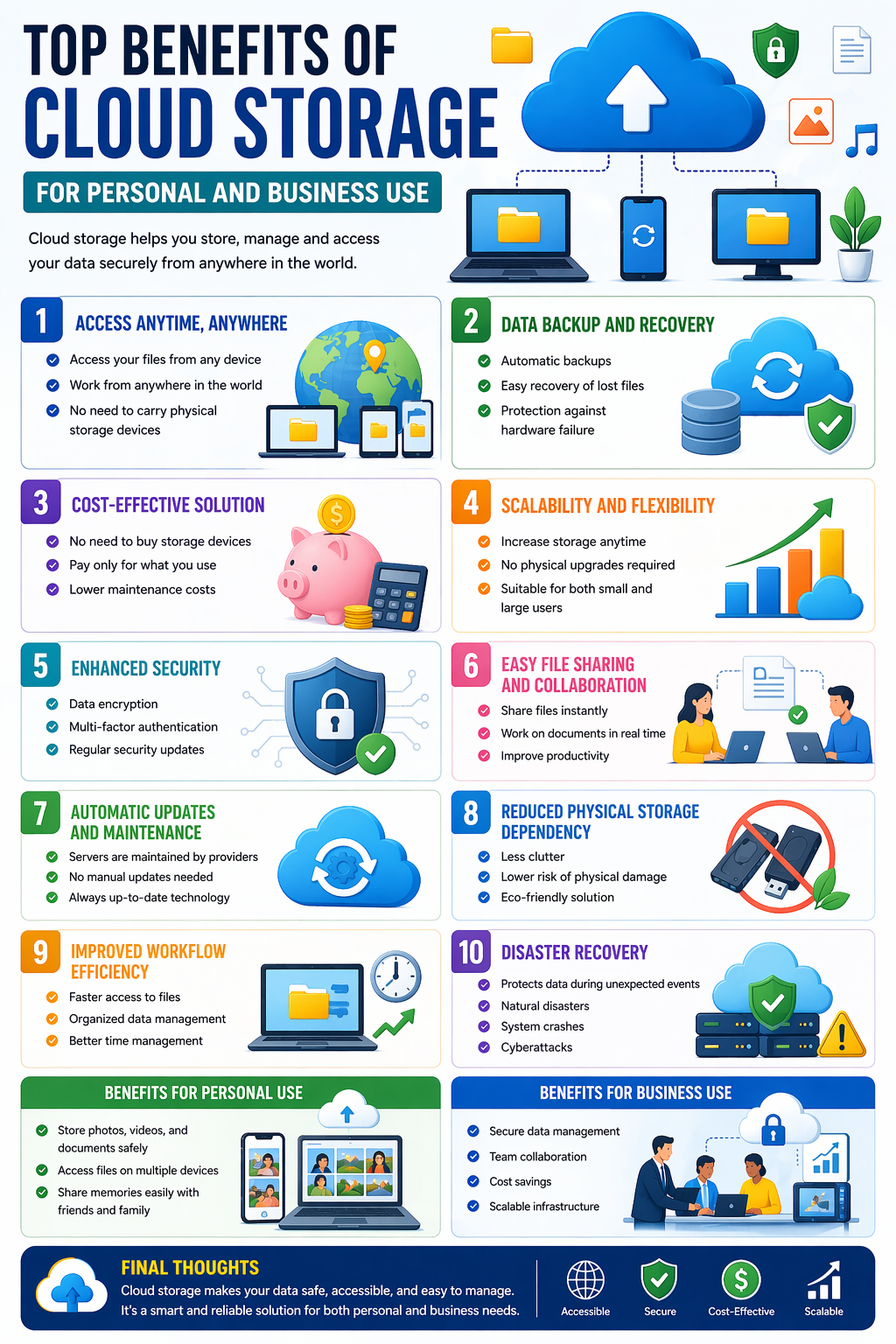
Access your files from any device with internet.
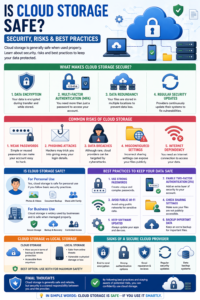
2. Security
Data is protected with encryption and authentication.
3. Scalability
You can increase storage space anytime.
4. Automatic Backup
Files are saved and protected without manual effort.
Benefits of Understanding How It Works
- Helps you use cloud services better
- Improves data safety awareness
- Makes file sharing easier
- Helps in choosing the right platform
Common Misconceptions
“My data is stored in the sky”
→ Not really—it’s stored in physical data centers.
“Cloud storage is unsafe”
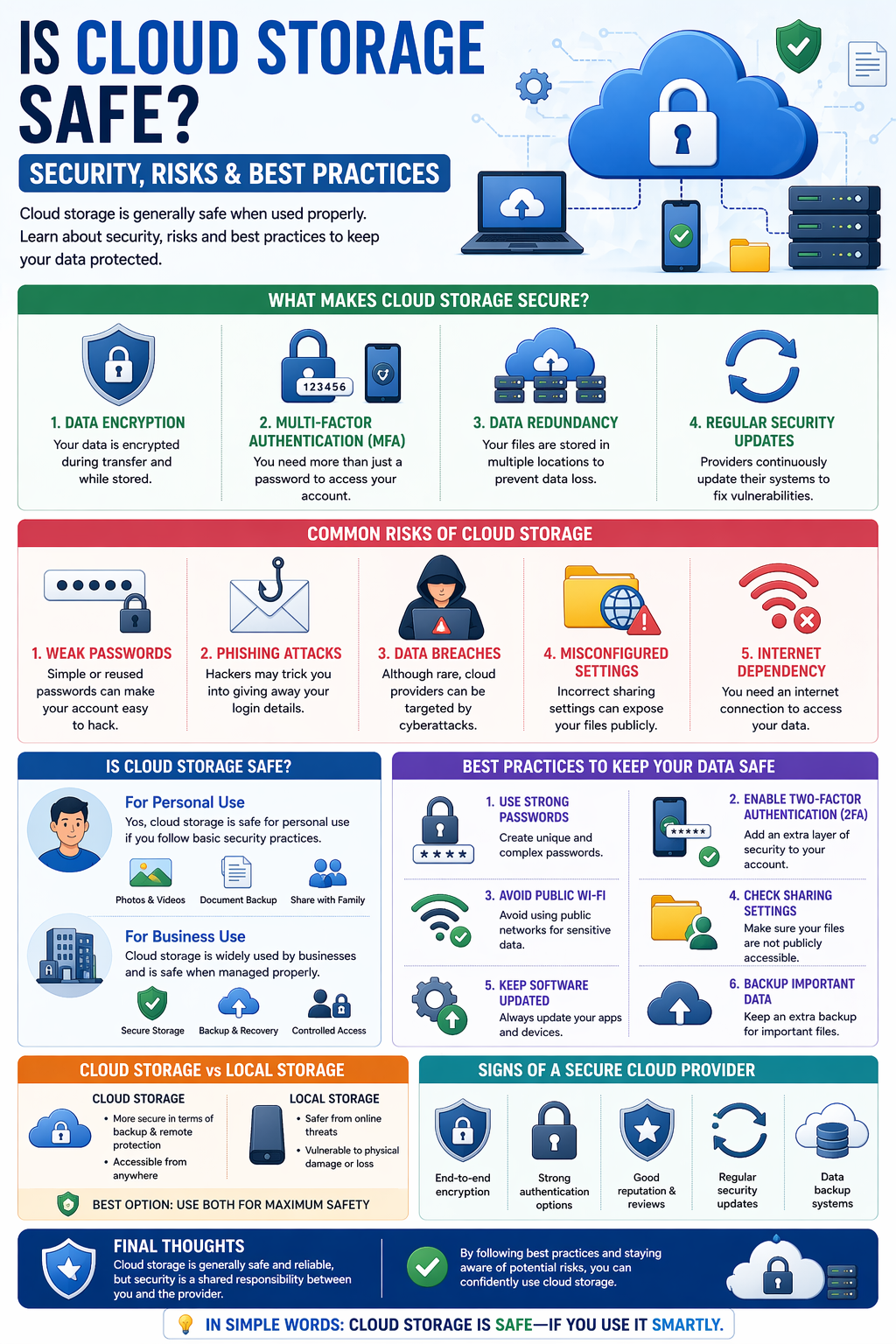
→ It’s generally very secure, especially with proper usage.
Final Thoughts
Cloud storage may seem complex, but its basic idea is simple:
Store your data online so you can access it anytime, anywhere.
Once you understand how it works, you can use it more effectively and confidently.
In simple words:
Upload → Store → Backup → Access — that’s how cloud storage works.





Post Comment