Best Free Browser Extensions for Productivity
In today’s digital world, staying productive while working online can be challenging. With constant distractions and endless tabs, it’s easy to lose focus. That’s where browser extensions come in.
These small tools can significantly improve your workflow, save time, and help you stay organized—all without costing a single penny.
In this blog, we’ll explore some of the best free browser extensions that can boost your productivity.
What Are Browser Extensions?
Browser extensions are small software tools that add extra features to your web browser (like Chrome, Firefox, or Edge). They help you perform tasks faster and more efficiently.
Top Free Browser Extensions for Productivity
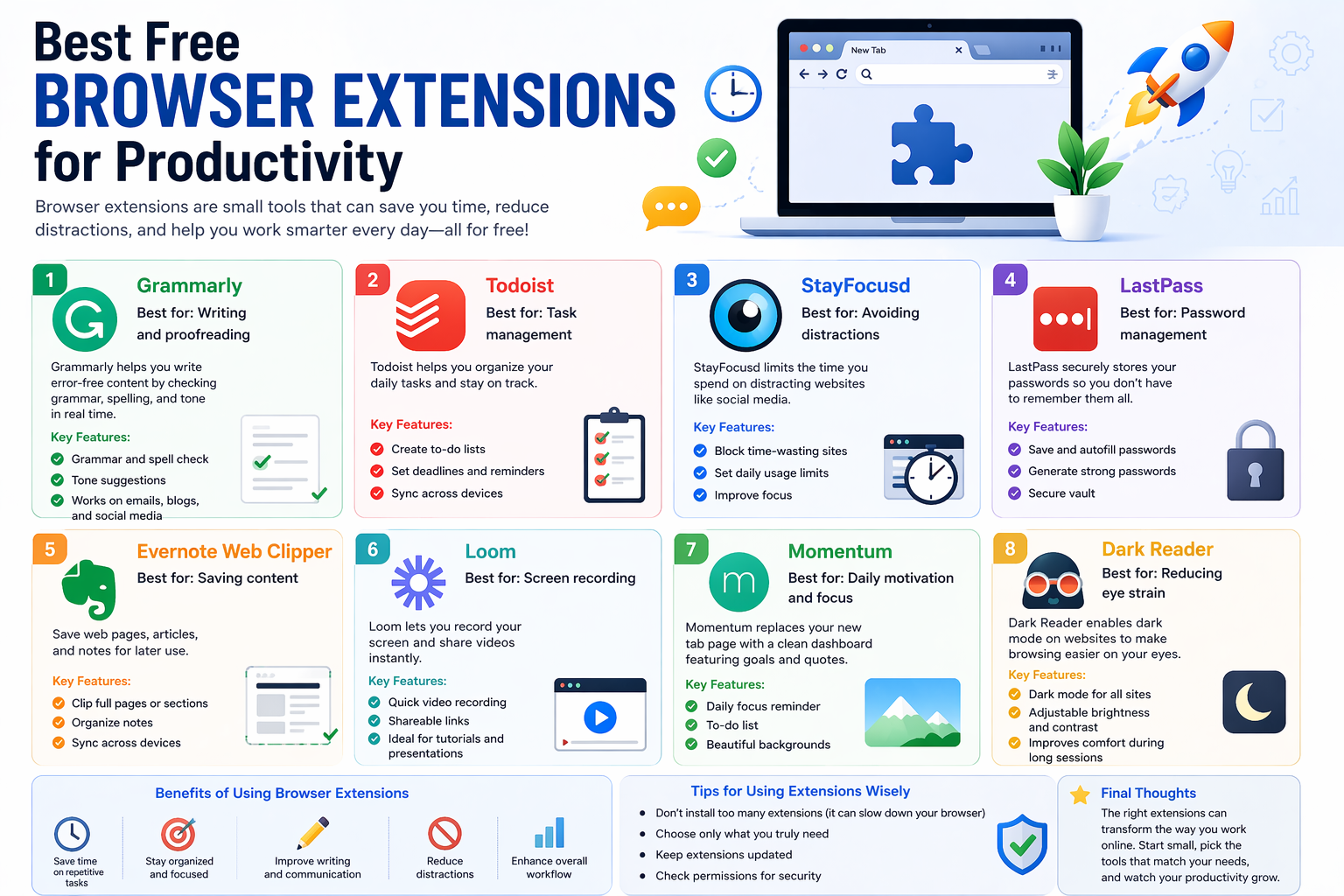
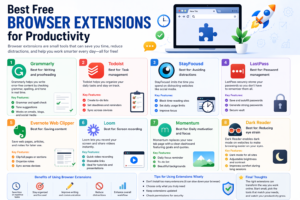
1. Grammarly
Best for: Writing and proofreading
Grammarly helps you write error-free content by checking grammar, spelling, and tone in real time.
Key Features:
- Grammar and spell check
- Tone suggestions
- Works on emails, blogs, and social media
2. Todoist
Best for: Task management
Todoist helps you organize your daily tasks and stay on track.
Key Features:
- Create to-do lists
- Set deadlines and reminders
- Sync across devices
3. StayFocusd
Best for: Avoiding distractions
StayFocusd limits the time you spend on distracting websites like social media.
Key Features:
- Block time-wasting sites
- Set daily usage limits
- Improve focus
4. LastPass
Best for: Password management
LastPass securely stores your passwords so you don’t have to remember them all.
Key Features:
- Save and autofill passwords
- Generate strong passwords
- Secure vault
5. Evernote Web Clipper
Best for: Saving content
This extension allows you to save web pages, articles, and notes for later use.
Key Features:
- Clip full pages or sections
- Organize notes
- Sync across devices
6. Loom
Best for: Screen recording
Loom lets you record your screen and share videos instantly.
Key Features:
- Quick video recording
- Shareable links
- Ideal for tutorials and presentations
7. Momentum
Best for: Daily motivation and focus
Momentum replaces your new tab page with a clean dashboard featuring goals and inspiring quotes.
Key Features:
- Daily focus reminder
- To-do list
- Beautiful backgrounds
8. Dark Reader
Best for: Reducing eye strain
Dark Reader enables dark mode on websites to make browsing easier on your eyes.
Key Features:
- Dark mode for all sites
- Adjustable brightness and contrast
- Improves comfort during long sessions
Benefits of Using Browser Extensions
- Save time on repetitive tasks
- Stay organized and focused
- Improve writing and communication
- Reduce distractions
- Enhance overall workflow
Tips for Using Extensions Wisely
- Don’t install too many extensions (it can slow down your browser)
- Choose only what you truly need
- Keep extensions updated
- Check permissions for security
Final Thoughts
Browser extensions are powerful tools that can transform the way you work online. Whether you’re a student, freelancer, or professional, the right extensions can help you stay focused, organized, and efficient.
Start small, pick the tools that match your needs, and watch your productivity grow.




Post Comment